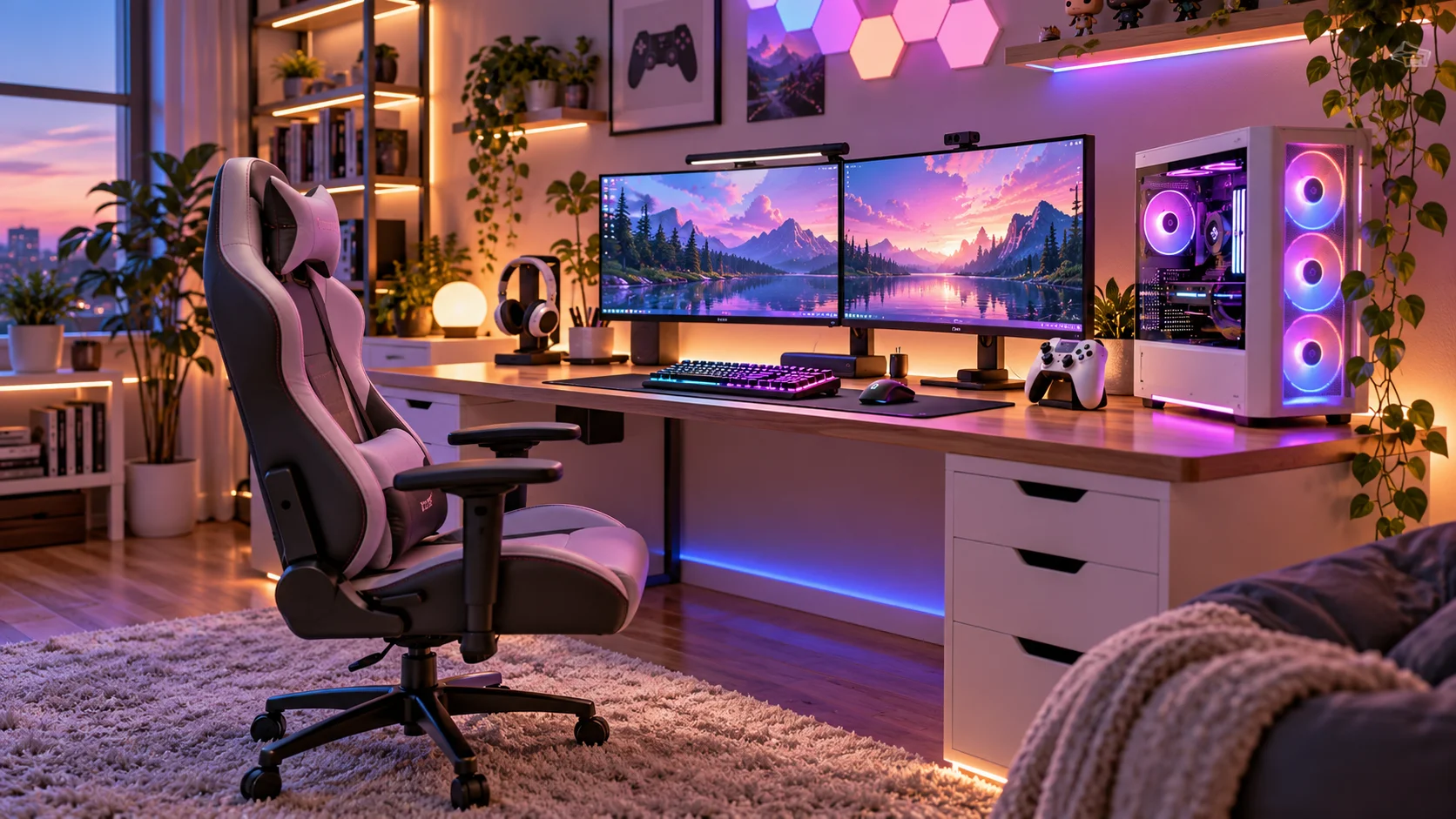
A well-designed gaming room should look impressive, feel comfortable, and keep your equipment organized. From colorful RGB lighting to minimalist gaming desks, the right combination of furniture, lighting, and decor can transform any space into a gaming area that reflects your personality.
You don’t need a large dedicated room or an expensive renovation to create a setup you love. With smart furniture choices, thoughtful cable management, and a cohesive color palette, even a small bedroom corner can become a stylish gaming retreat.
In this guide, you’ll discover 10 practical gaming room setup ideas, along with space-saving solutions, budget-friendly upgrades, lighting tips, and decorating advice to help you create your ideal gaming space.
Quick Takeaways
- Choose a desk and chair that fit your room and gaming equipment.
- Use layered lighting to create atmosphere without excessive glare.
- Keep cables, controllers, and accessories organized.
- Make small rooms feel spacious with compact furniture and vertical storage.
- Personalize your setup with gaming artwork, collectibles, and coordinated colors.
1. Create a Stylish RGB Gaming Room
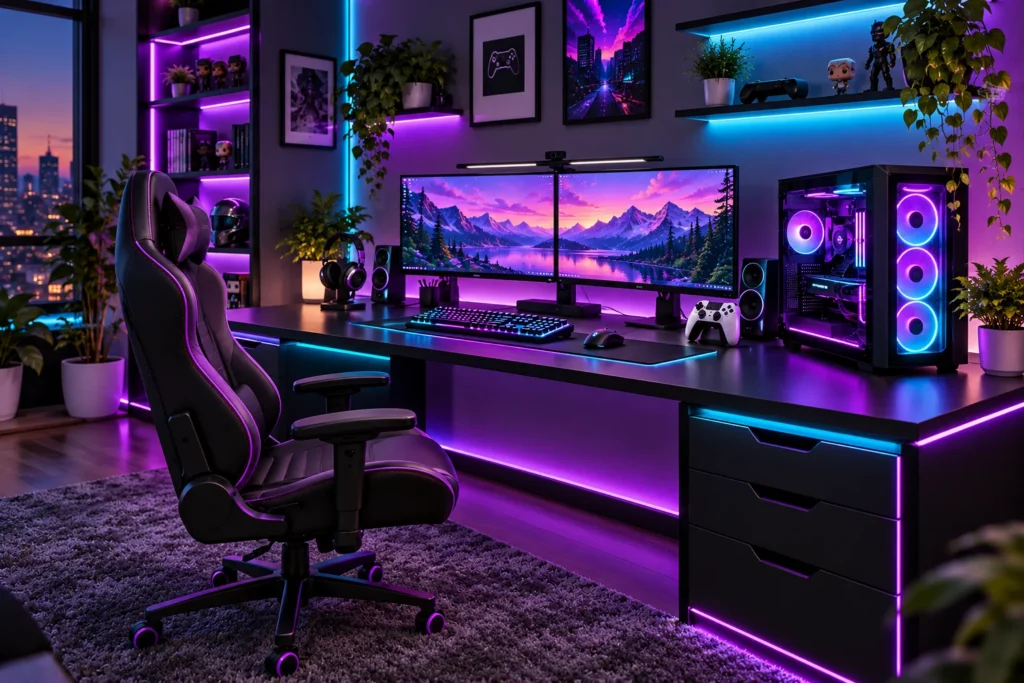
RGB lighting can give a gaming room a vibrant, immersive atmosphere. Purple, blue, cyan, and pink accents work particularly well with black furniture and modern gaming equipment.
Start with a neutral foundation, such as a black desk, dark walls, or charcoal accessories. Add LED strips behind your monitor, beneath floating shelves, or along the back of your desk to create a soft glow.
For a polished appearance, choose two or three complementary colors instead of using every color simultaneously. Adjustable brightness also makes it easier to switch between an energetic gaming atmosphere and softer lighting for everyday use.
Styling tip: Combine RGB lighting with matte black furniture, a coordinated desk mat, and a few carefully arranged collectibles.
2. Design a Gaming Setup for Small Spaces
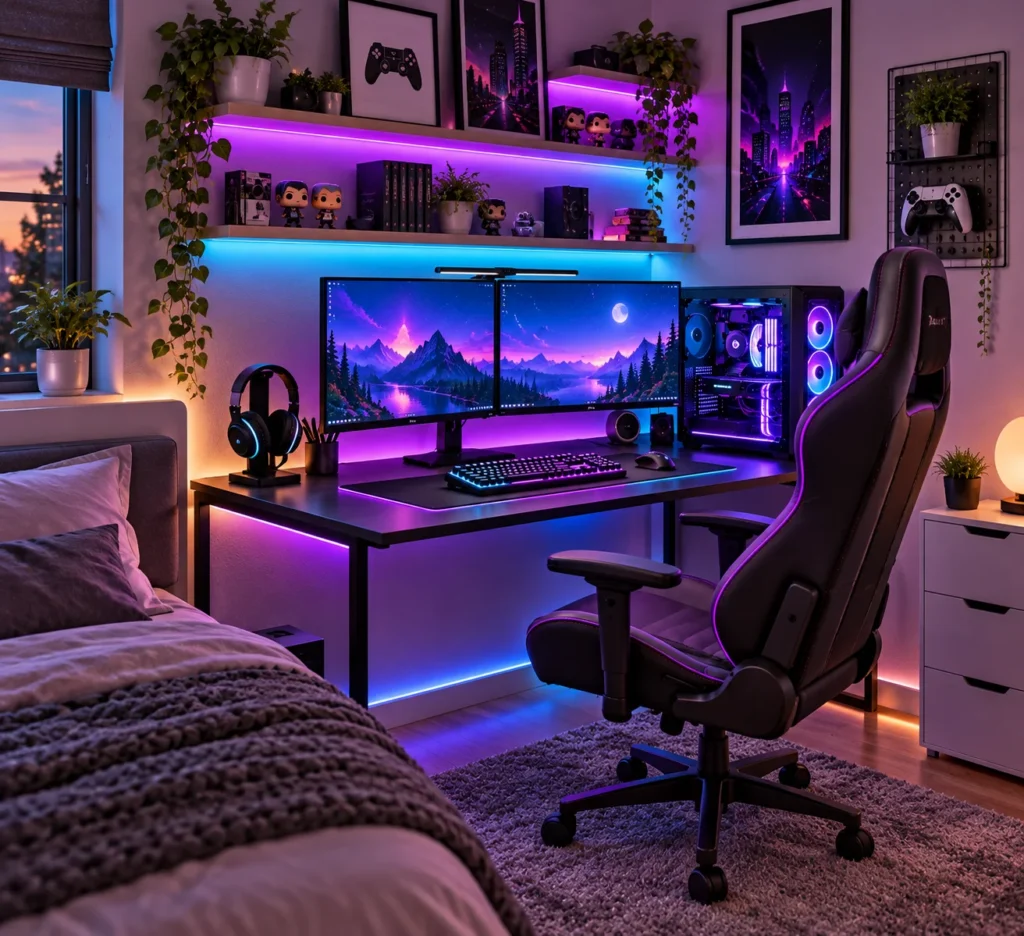
A small bedroom or apartment corner can accommodate an excellent gaming setup when every piece of furniture serves a purpose.
Choose a compact desk that fits your monitor and peripherals without obstructing the doorway or surrounding furniture. A desk around 40–48 inches wide can be a useful starting point for a single-monitor setup, depending on the equipment.
Floating shelves provide storage for controllers, headphones, and collectibles without taking up floor space. A monitor arm can also free up valuable desktop area, provided your desk supports the mounting system.
Use light wood, white, or neutral colors to create a bright appearance. If you prefer a darker gaming aesthetic, introduce contrast with warm lighting and a few lighter decorative accents.
3. Build a Minimalist Gaming Setup
A minimalist gaming room focuses on clean lines, functional furniture, and a carefully edited selection of accessories.
Begin with a simple desk in white, black, or natural wood. Keep frequently used equipment within reach and move spare cables, controllers, and accessories into drawers or storage boxes.
Avoid filling every available surface with decorative objects. Instead, use a desk mat, a small plant, framed artwork, or one statement accessory to give the setup personality.
Texture is important in a minimalist space. Wood, fabric, metal, and soft lighting can prevent a simple color palette from looking flat.

4. Create a Dark and Moody Gaming Room
Dark gaming rooms create a dramatic atmosphere that works particularly well with black equipment and subtle accent lighting.
Consider charcoal, deep navy, forest green, or muted black for your main palette. If you cannot paint your walls, use dark curtains, framed artwork, removable wallpaper, or darker furniture to establish a similar effect.
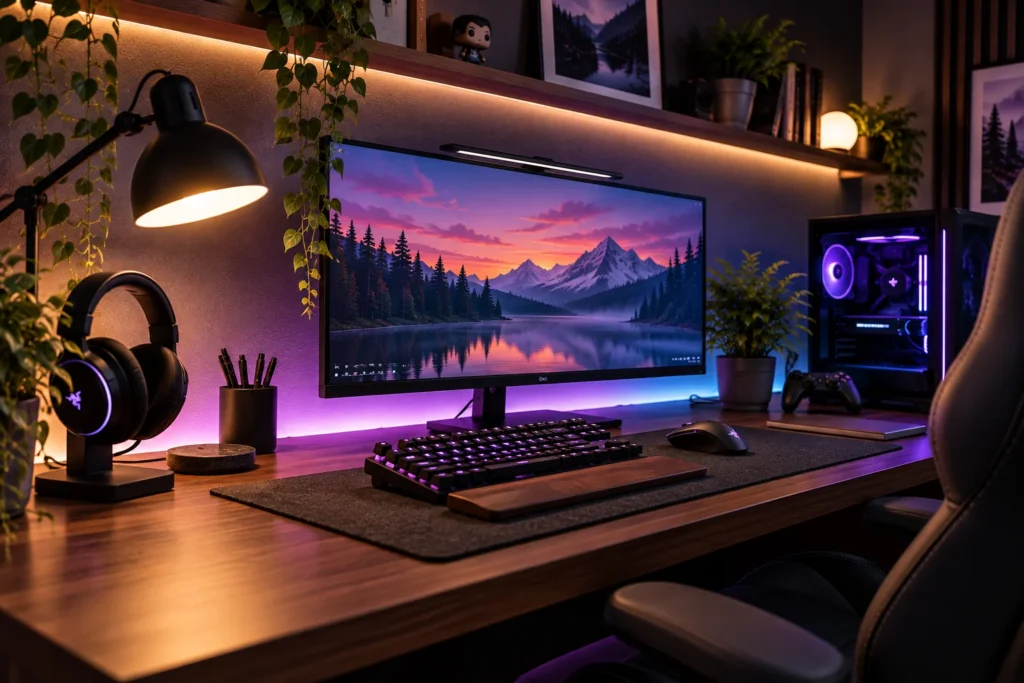
Balance darker colors with warm wood, textured fabrics, or metallic accents. A walnut desk against a charcoal wall, for example, introduces warmth without losing the room’s cinematic character.
Add indirect lighting behind the monitor and a small desk lamp for everyday tasks. Keep decorative accessories selective so the room feels intentional rather than overcrowded.

5. Upgrade Your Gaming Room With Better Lighting
Lighting has a significant effect on the appearance and atmosphere of a gaming room. Instead of relying on one overhead light, combine several sources for a more flexible setup.
Ambient lighting: Use a ceiling fixture or floor lamp to illuminate the room.
Monitor backlighting: Place diffused LED lighting behind the monitor to create a soft glow against the wall.
Task lighting: Add an adjustable desk lamp for reading, writing, or organizing accessories.
Decorative lighting: Use LED strips or illuminated shelves to highlight architectural details and display objects.
Position lights to avoid reflections on the screen. Adjustable brightness and a combination of indirect and task lighting make the space more versatile throughout the day.
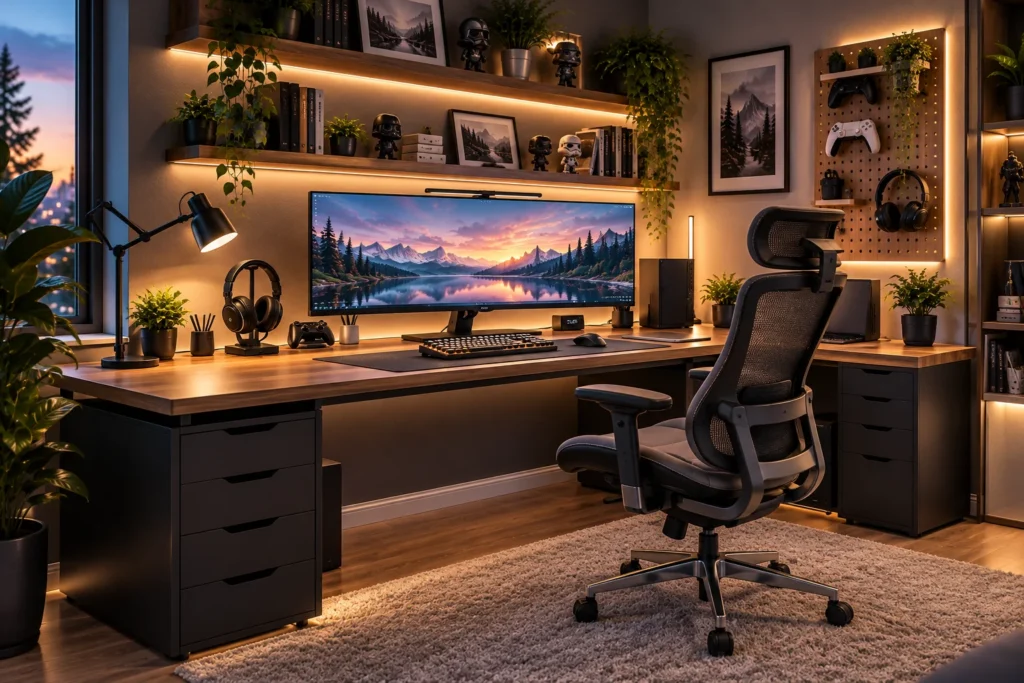
6. Choose a Comfortable Gaming Desk and Chair
A gaming setup should support comfortable use as well as look good. Before purchasing furniture, measure the room and determine how much space your equipment requires.
A desk approximately 48–60 inches wide can accommodate many single-monitor and modest dual-monitor setups. A depth of around 24–30 inches is a useful starting point, although your monitor size and preferred viewing distance will affect the ideal dimensions.
Look for a stable desk with sufficient legroom and space for your keyboard, mouse, and other equipment. Choose a chair with suitable seat dimensions and adjustable features rather than selecting one based on appearance alone.
Position the monitor directly in front of you, with its height and distance adjusted for comfortable viewing. Your feet should rest flat on the floor or on a footrest, and your shoulders should remain relaxed.
7. Create a Cozy Console Gaming Lounge
A console gaming room can feel more like a home theater than a traditional computer gaming station.
Position your television at a comfortable viewing height and arrange a sofa, loveseat, or other suitable seating to face the screen. Leave enough room to move around the furniture without blocking doorways or storage.
A low media console provides space for controllers, charging docks, and game accessories. Make sure the console has adequate ventilation rather than placing it in a tightly enclosed compartment.
Complete the room with a soft rug, comfortable cushions, and warm ambient lighting. Natural wood, beige textiles, and black electronics create a balanced look that feels inviting beyond gaming sessions.

8. Personalize Your Gaming Room With Decor
Your gaming room should reflect your favorite games, characters, and interests. Framed artwork, collectible figures, themed posters, and decorative shelves can make the space feel personal.
Create a small gallery wall above the desk or display a few collectibles on floating shelves. Group items thoughtfully and leave some empty space between objects to avoid a cluttered appearance.
You can also choose an accent color inspired by a favorite game and repeat it through artwork, desk accessories, and lighting.
For a softer finish, introduce a small plant, a fabric desk mat, or natural wood accessories. These details help balance the hard surfaces of monitors, keyboards, and other electronics.
9. Keep Your Gaming Room Organized
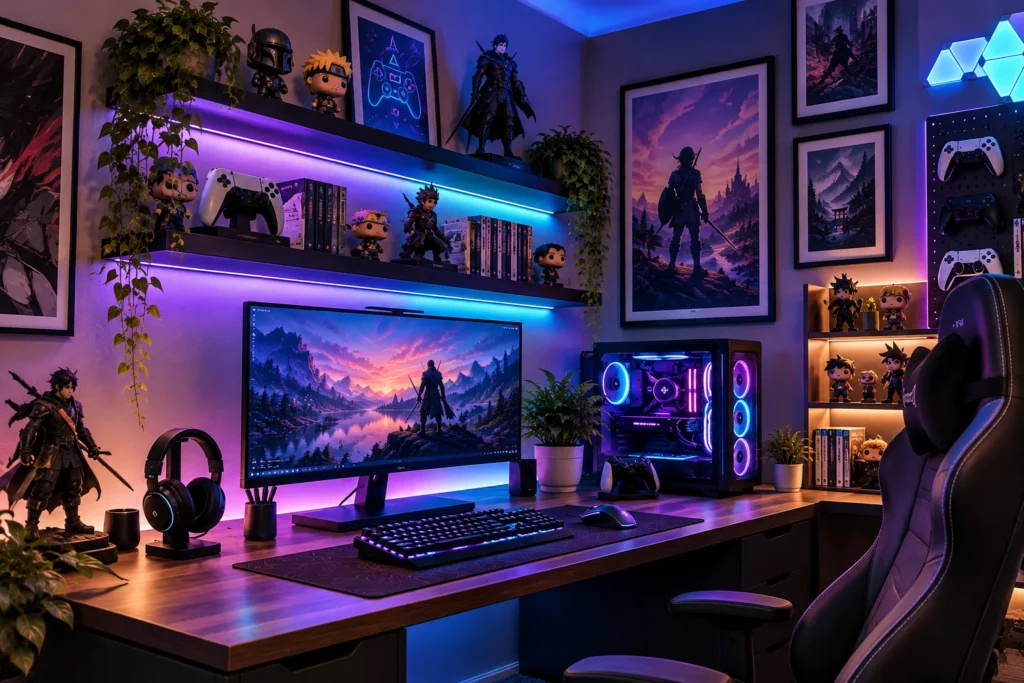
A clean setup looks more polished and makes everyday gaming easier. Cable management is a particularly useful place to start.
Install an under-desk cable tray to hold excess cable length and power strips. Use reusable cable ties and adhesive clips to guide cables neatly along the back or underside of the desk.
Create dedicated storage for controllers, headphones, charging accessories, and spare cables. A headset hook, controller dock, or small drawer unit can keep the desktop clear.
Also ensure your PC tower has sufficient ventilation. Keep vents unobstructed and avoid positioning equipment where curtains, thick carpeting, or enclosed furniture restrict airflow.

10. Create a Budget-Friendly Gaming Room
You can create a stylish gaming space without replacing all your furniture or buying expensive accessories.
Start by rearranging your existing desk, chair, and shelves. Sometimes a better layout and improved cable management make a more noticeable difference than purchasing new decorations.
Look for secondhand desks, drawer units, and shelving in good condition. Affordable framed prints, removable wall decals, and a simple LED strip can help establish a clear design theme.
Consider making small upgrades gradually. Prioritize a comfortable chair, a suitable desk, adequate lighting, and organized storage before spending money on decorative extras.
Budget tip: Choose one improvement at a time. A cleaner desktop, a better lamp, or a coordinated set of accessories can make the room feel more complete without requiring a major investment.

Common Mistakes to Avoid
1. Choosing a desk that’s too small
A crowded desktop limits mouse movement and leaves little room for accessories. Measure your equipment and allow enough space for comfortable use.
2. Using too many lighting colors
Competing colors can make the room feel visually chaotic. Choose a limited palette and adjust brightness to suit the atmosphere.
3. Ignoring cable management
Loose cables make a setup look unfinished and can become tangled. Use cable trays, clips, and ties to keep them organized.
4. Prioritizing appearance over comfort
An attractive chair may not provide the adjustments you need. Check its dimensions, seat comfort, and support before buying.
5. Placing the monitor in direct glare
Reflections can make the screen difficult to view. Adjust the monitor angle, window coverings, or desk position to reduce glare.
6. Overdecorating the desk
Too many accessories reduce usable space. Display collectibles on dedicated shelves and keep frequently used equipment accessible.
7. Blocking ventilation and walkways
Cramped equipment placement can restrict airflow, while oversized furniture makes the room difficult to navigate. Preserve clear paths and adequate ventilation space.
Key Pieces to Consider
Gaming Desk
Choose a stable desk with enough width and depth for your monitor, keyboard, mouse, and accessories. Black, white, and natural wood finishes work well with many decorating styles.
Adjustable Chair
Look for suitable seat dimensions, adjustable height, and comfortable support. An ergonomic office chair can be an alternative to a traditional gaming chair.
Monitor Arm or Riser
A compatible monitor arm improves positioning flexibility and frees up desktop space. A stable riser is a practical alternative for a fixed setup.
Ambient Lighting
Combine a ceiling light or floor lamp with subtle monitor backlighting. Adjustable brightness helps the room work for gaming and everyday activities.
Storage Shelves
Floating shelves and compact drawer units provide dedicated homes for collectibles, controllers, and accessories without overcrowding the desk.
Soft Furnishings
A rug, curtains, or a fabric desk mat can soften the appearance of a room filled with electronic equipment. Make sure the rug does not interfere with chair movement.

Frequently Asked Questions
How do I set up a gaming room in a small bedroom?
Choose a compact desk, use vertical storage, and keep the floor clear. A monitor arm and under-desk cable tray can free up valuable space.
What is the best color for a gaming room?
Black and charcoal create a dramatic look, while white and natural wood create a brighter, minimalist atmosphere. Navy, forest green, and muted neutrals are also attractive options.
How can I make my gaming setup look more expensive?
Keep cables hidden, coordinate furniture finishes, use layered lighting, and display artwork selectively. A clean layout often has more visual impact than extra accessories.
How much space do I need for a gaming desk?
A desk around 40–48 inches wide may suit a compact single-monitor setup. Dual monitors, speakers, and additional equipment may require a wider desk and more depth.
Are LED lights good for gaming rooms?
Yes. LED lights can create atmosphere and provide indirect illumination. Choose adjustable lighting and position it to minimize screen reflections.
How can I hide gaming cables?
Use an under-desk cable tray, reusable ties, adhesive clips, and labeled connections. Keep cables accessible and avoid placing unnecessary strain on plugs.
Can a gaming room double as a home office?
Yes. Use a comfortable adjustable chair, a desk with adequate workspace, practical task lighting, and storage for work supplies. Neutral decor and adjustable ambient lighting help the room serve both purposes.
What should I buy first for a budget gaming room?
Start with a suitable desk, comfortable chair, and adequate lighting. Reuse existing furniture where possible, then add storage and decorative accessories gradually.
Final Thoughts
The best gaming room setups combine comfort, organization, and a style that reflects your personality. Even a small bedroom corner can feel thoughtfully designed when the furniture fits, the lighting is balanced, and every accessory has a purpose.
Start with your layout, make your essential equipment comfortable to use, and build the atmosphere with color, lighting, and personal touches. Save your favorite ideas, measure your space, and choose one practical upgrade to begin creating your ideal gaming room.